2 Free Credits: Texture First YouCam Alternatives for Black Hair
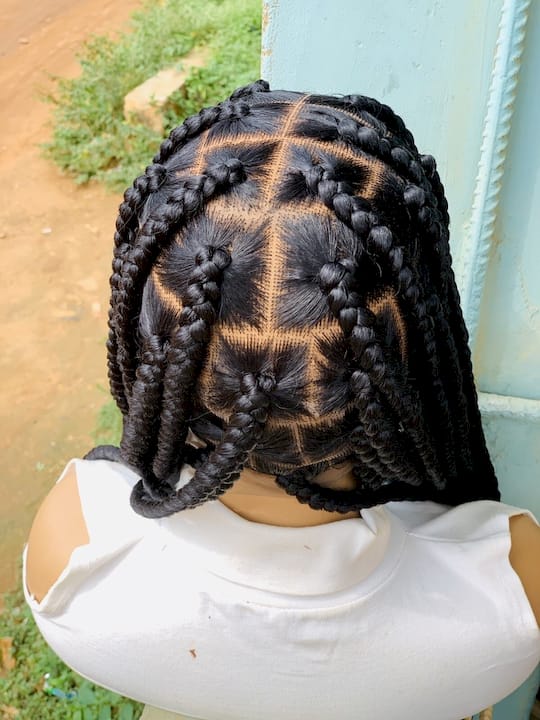
2 Free Credits: Texture First YouCam Alternatives for Black Hair
If you have Black hair, skip anything that treats your texture as an afterthought. The real alternatives are texture-first, identity-preserving AR platforms built to handle coils, locs, and braids without flattening them into a generic template, and Stylemycrown is the ready-to-try option worth starting with. The rest of this guide breaks down the categories, the technical checklist, a testing routine you can run in ten minutes, and why so many older systems still get Black hair wrong.
TL;DR:
Texture-specific AR tools that accurately distinguish between coil patterns, locs, and braids provide more realistic previews for Black hairstyles.
Validating an app’s handling of lighting and pose variations is crucial, as poor adaptation leads to inconsistent results.
A thorough ten-minute test involves uploading three photos and requesting three styles to evaluate texture fidelity, volume accuracy, and identity preservation.
Many apps fail on Black hair due to limited catalog diversity, mislabeling styles, or algorithms that underrepresent textures, causing distorted or generic results.
Checking privacy policies and deletion options is essential, as not all apps clearly state data retention or whether photos are used for model training.
Table of Contents
What AR alternatives exist for Black hair right now?
Not every “virtual try-on” app is built the same way, and the differences matter more for textured hair than for any other category of styling tech. Before you download anything, it helps to know which bucket a tool falls into.
2D overlay and photo-recolor apps sit at the low end. They stretch a flat image of a hairstyle over your photo, which works fine for changing a color but falls apart fast on curl pattern, part lines, or edges. You get a rough preview, nothing more.
Template and stylist-curated catalogs take a different approach. A real stylist or photographer contributes the source images, each one tagged for a specific texture type or install size, so what you see maps closer to what you’d actually get in the chair. The trade off is catalog size. You’re previewing real styles, not infinite variations.
Generative or photorealistic synthesis tools use AI models to build a new image of you wearing a hairstyle from scratch. Done well, this produces the most realistic result. Done poorly, it introduces serious risk: the model can quietly swap your facial structure, skin tone, or features to match whatever face it associates with that hairstyle in its training data. That failure mode is well documented in production try-on systems, and it’s the single biggest reason generative tools need guardrails before you trust them with your face.
Hybrid systems combine the two. A curated asset library supplies the texture-accurate base, and generative refinement handles lighting, angle, and movement, with validation gates checking every output before it reaches you. This is the direction the category is moving, and it’s where the strongest current options live.
What criteria actually matter for Black hair AR?
Most review roundups score apps on things that don’t matter much to textured hair: interface polish, app size, sign-up speed. Here’s the checklist that actually predicts whether a tool will work on your hair.
-
Coil-pattern and geometry sensitivity. Does the app distinguish between a 4C wash-and-go, a set of locs, and a braid pattern, or does it apply one generic “curly” filter to all three?
-
Identity-preservation checks. Does the system verify that your face, skin tone, and features stayed intact after the edit, or does it just hand you whatever the model produced?
-
Volume and silhouette handling. Big box braids and a high-volume wash-and-go both add real dimension to your head shape. Flat, pasted-on results are a red flag.
-
Lighting and pose adaptation. Backlighting, halo effects around edges, and side angles trip up a lot of models. A good tool holds up under all three.
-
Catalog coverage. Search for the exact styles you care about, whether that’s knotless braids, sisterlocks, or a silk press, before assuming the app has them.
-
Privacy policy and trial terms. Check what happens to your photo after upload and whether you get free credits to test before paying.
Pro Tip: Upload one photo in flat, even light and one with strong backlight or a window behind you. If the results look wildly different in quality, the app is struggling with lighting adaptation, not just texture.
Coil-pattern granularity and lighting are where generic, rounded-shape models fall apart fastest. A system that hasn’t been tuned for that will still render something, it just won’t look like you.
How do you test an AR try-on app before you trust it?
Run this before you commit to any subscription. It takes ten minutes and tells you almost everything you need to know.
Upload three photos:
-
A well-lit, front-facing shot showing your natural texture clearly, whether that’s defined coils, twists, or straight hair.
-
An updo or pulled-back style that exposes your hairline and edges.
-
A backlit or side-angle photo to stress-test lighting handling.
Then request three specific styles:
-
Knotless braids, because they test the app’s handling of parting, tension, and scale.
-
A loc style, because locs have a distinct geometry that generic curl models often flatten or misrender.
-
A silk press, because straight results reveal whether the tool actually changed anything or just returned a near-identical image.
Score each result on a simple 1 to 5 scale across three categories: texture fidelity, volume accuracy, and identity preservation, meaning your face and features stayed recognizably yours. Watch for three specific failures:
-
Identity drift, where your facial structure or skin tone shifts toward something that doesn’t look like you.
-
Reference echo, where the “result” looks suspiciously identical to the input photo, a sign the model made no real edit.
-
Timid edits, where the hairstyle barely changes shape or length from what you already have.
Before uploading anything, confirm the app states how long it keeps your photo and whether deletion is available on request. If that information isn’t listed anywhere, treat it as a warning sign, not an oversight. For style ideas to test against, sites with black hairstyle references can help you pick accurate images and correct naming so you’re testing the right thing.
Why do so many apps still get Black hair wrong?
This isn’t a mystery or a coincidence. It’s a set of documented, reproducible failure modes, and once you know their names, you can spot them instantly in a bad result.
-
Catalog echo, where the app just returns your existing hair with cosmetic tweaks instead of the requested style.
-
No-op, where nothing meaningfully changes at all.
-
Identity transfer, the most serious failure, where the model replaces your face with a different one it associates more strongly with the requested hairstyle. This happens because legacy computer vision models were trained on data that underrepresents braids, twists, locs, and coil textures, so the model “corrects” toward whatever face it saw more often paired with that style during training.
-
Timid edit, where the system plays it safe and barely alters the image.
-
Segmentation failure, where the app can’t correctly separate hair from face, skin, or background, producing warped edges or ghosting.
The fix isn’t a better filter. It’s architecture. Systems built specifically to avoid these failures use masked inpainting, which physically locks the face region in place so the model can only edit the hair, plus layered validation gates that run face-embedding distance checks and vision-language-model quality scores on every single output before it’s shown to you. When a result fails those checks, the correct response is refusal, not a bad image and a wasted credit. Instrumented validation of this kind measurably reduces identity drift in production systems, which is exactly why it matters more than any single stat about accuracy rates.
What do users and stylists actually say about texture performance?
Ask anyone who’s tested more than one of these apps and you’ll hear the same complaint before anything else: most tools handle straight or loosely wavy hair fine and then completely lose the plot on 4A through 4C textures. The pattern shows up consistently enough that it’s less a one off glitch and more a structural gap in how these systems were built.
Stylists who’ve used curated-catalog tools with clients tend to react differently than casual app testers. Their focus lands on install accuracy: does a knotless braid preview actually match the parting and tension a real install would show, and does a loc style hold the right thickness and length. That’s a more demanding bar than “does this look cool,” and it’s the bar that matters if you’re using a preview to decide on a real appointment.
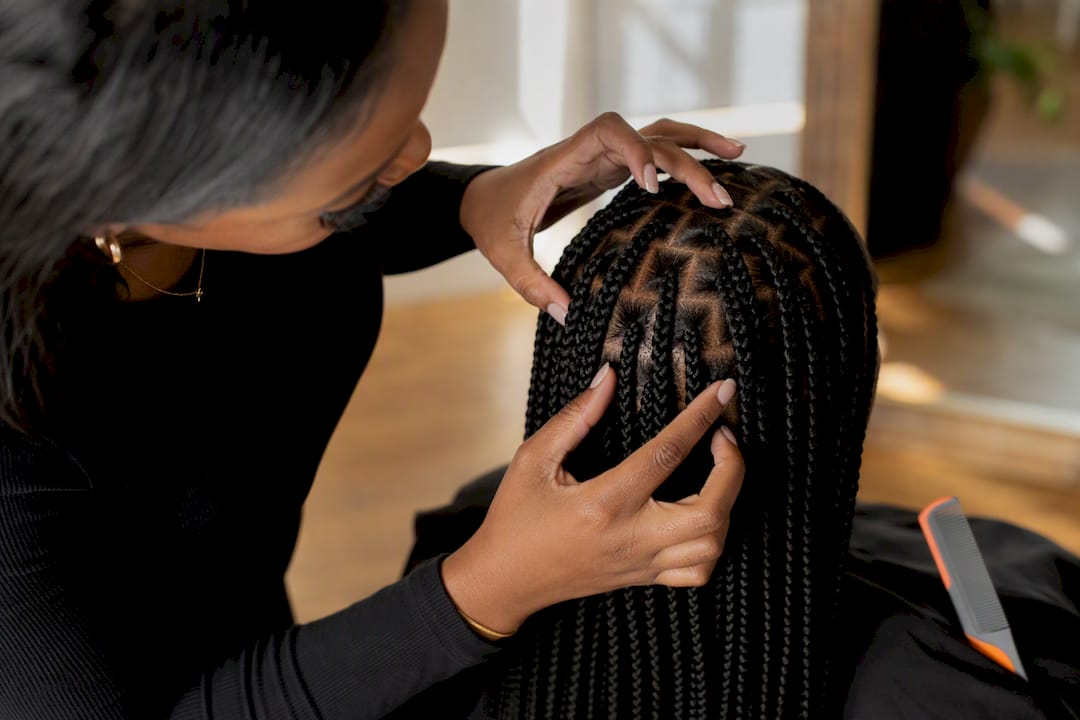
The confidence factor shows up in research too. Interactivity and spatial presence in AR previews significantly increase a user’s confidence in a style decision, which tracks with what a lot of Black hair users report anecdotally: seeing a style rendered accurately on your own face reduces the anxiety of committing to a new install or cut. The flip side is also true. A bad, identity-shifting render doesn’t just fail to help, it actively erodes trust in the whole category of tool.
How do you judge a hairstyle catalog for real diversity?
A big number on a landing page doesn’t tell you much on its own. What matters is whether the catalog actually breaks styles down by texture type, install size, and cultural origin, rather than lumping “curly” and “coily” into one bucket.
Look for explicit texture tagging. A catalog that separates 3C from 4A from 4C, and separates loose twists from tight coils, is signaling that someone thought about hair as a spectrum rather than a single category. Check whether protective styles get the same design attention as looser textures. If locs, faux locs, and twist styles show up alongside silk presses and blowouts, that’s a better sign than a catalog stacked with straight and wavy options and a token braid or two.
Cultural relevance also shows up in naming accuracy. Sisterlocks, Senegalese twists, and Ghana braids are distinct styles with distinct techniques, and a catalog that mislabels or merges them wasn’t built with much input from the people who wear them. Efforts led by Black creators in AI development point to exactly this gap: representation in who builds the tool tends to show up directly in how well the tool represents you. Before trusting a catalog, scan a handful of style names and see if they match how those styles are actually described in the community.
How do you protect your privacy on AR try-on apps?
Uploading a clear photo of your face to any app is a bigger ask than uploading a photo of a room or a product, and it deserves a bit more scrutiny before you tap “allow.”
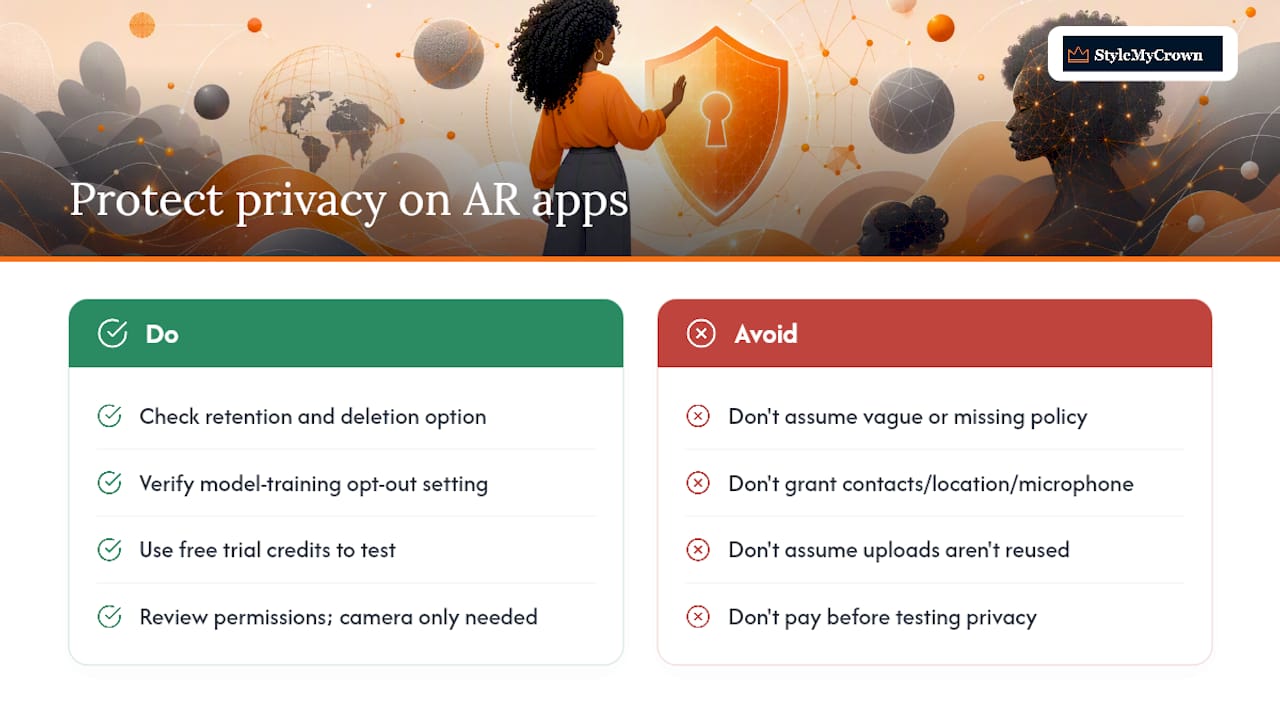
Start with retention. A trustworthy app states plainly how long your photo stays on their servers and gives you a way to request deletion. If that policy is buried, vague, or missing entirely, that’s your answer. Next, check whether the app trains future models on your uploaded photos by default, and whether you can opt out. Some platforms use uploads to improve their systems unless you say otherwise, so read the setting rather than assuming.
Free trial credits are worth using strategically here too. Testing an app’s privacy behavior before you commit real payment info costs you nothing but a photo and a few minutes, and it tells you more than any policy page will. Watch what permissions the app requests on your device. A hairstyle preview tool needs camera and photo access. It doesn’t need your contacts, location history, or microphone, and if it asks for those, that’s worth questioning.
Finally, look for whether the app processes your image for the single session you requested or keeps a running profile tied to your identity across visits. The former is a preview tool. The latter is a data product with a preview feature attached, and you deserve to know which one you’re using.
Stylemycrown’s take: texture first, not texture eventually
Most AR tools bolt texture support onto a system built for straight hair. Some platforms start from the opposite direction, with hundreds of styles curated specifically across textures and install types, not retrofitted after the fact.
The instrumented validation behind that catalog exists for a real reason: it protects your identity and keeps cultural details like part patterns and edge styling intact, rather than letting a model guess.
That matters most before a real appointment. Two free credits let you preview a loc style or a set of knotless braids first, so you walk into the chair confident, not hoping the photo you showed your stylist was even close to accurate.
— Christelle
Try Stylemycrown: what the free trial actually gets you
Every alternative discussed above asks you to gamble a little, either on fidelity, on catalog depth, or on what happens to your photo after upload. Stylemycrown is built specifically to close those gaps for Black hair, with a texture-tagged catalog and validation gates instead of a one-size-fits-all filter.
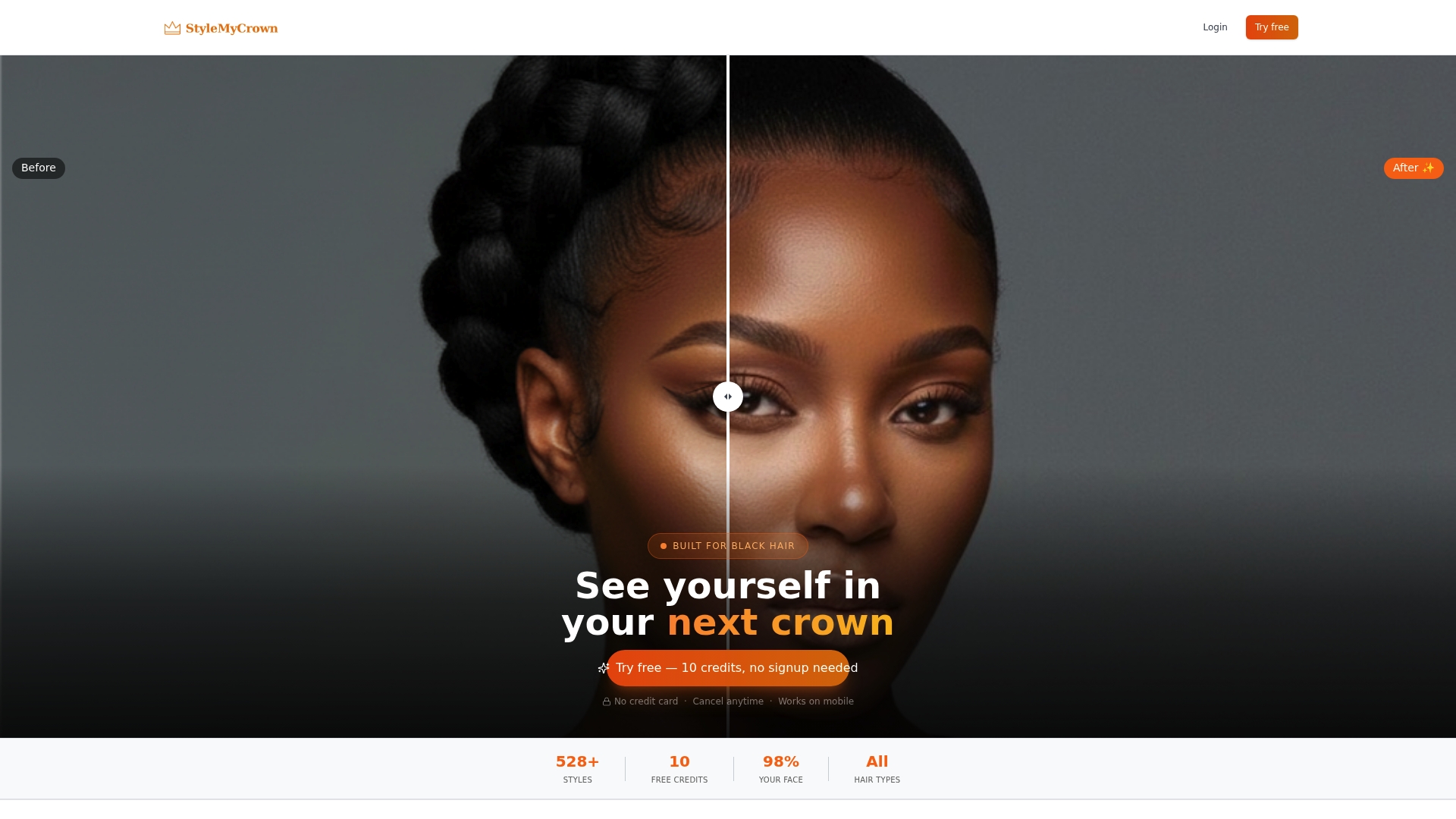
You get 2 complimentary credits to preview any style in the Style Catalog or browse stylist-submitted looks in the Stylist Catalog before you spend a dollar. That’s enough to run the three-photo test outlined earlier in this guide: a knotless braid style, a loc look, and a silk press, all on your own face, with no salon booking required first. If you’re deciding between a protective style and a bigger change, previewing protective styles for natural hair or a natural updo first can save you an expensive change of heart in the chair.
Upload a clear, well-lit photo, pick a style tagged for your texture, and see the result before you commit to anything beyond your free credits. Start with the Style Catalog and try your first look today.
Sources
FAQ
What is the best alternative to YouCam Makeup for Black hair?
Texture-first AR platforms with identity-preservation checks, like Some texture-first AR platforms feature curated style catalogs specifically for coils, braids, and locs, rather than adapting general-purpose filters.
Why do generic AR apps distort Black hairstyles?
Many were trained on datasets that underrepresent braids, twists, locs, and coil textures, so the model defaults to features it saw more often during training, sometimes altering your face to match.
How can I tell if an AR try-on app preserved my identity?
Compare your facial structure, skin tone, and features in the result against your original photo. If any of those shifted noticeably, the app likely lacks instrumented validation checks.
Are free trial credits enough to properly test an app?
Two or three credits are usually enough to run a basic test: one texture-accurate style, one protective style like braids or locs, and one straight style like a silk press.
Is it safe to upload my photo to a virtual hairstyle try-on app?
Check the app’s retention policy and deletion options before uploading, and confirm whether your photo will be used to train future models unless you opt out.


