Coily Hair Try-On Apps: How to Pick One That Gets Your Texture

The best coily hair try-on app is the one built around your texture from the start, not one that treats coily hair as a setting on a menu. StyleMyCrown is made for Black and textured hair, with over 528 styles and 2 complimentary credits so you can see a look on your own photo before you sit in anyone’s chair.
I know the feeling of scrolling through a hundred straight-hair filters, hoping one of them will bend toward my curls. Most won’t. Here is how to tell the difference, what the main options offer, and how to protect your photos while you play.
TL;DR
- A good try-on for type 4 hair needs a catalog of styles that actually exist on coily hair: twists, locs, braids, fades, tapers, silk presses and protective styles.
- StyleMyCrown offers over 528 styles curated for different textures, and a free start with 2 complimentary credits.
- Other apps cover coily hair as one texture among many. Compare catalog depth, free limits, watermarks and photo handling before you commit.
- Research on virtual try-on tools found that many send photos to servers, so read the photo policy before you upload.
- Stylists and shop owners can use a digital catalog to shorten the consultation conversation.
Table of Contents
- Why coily hair is hard for most try-on apps
- What to look for before you pick an app
- What happens to your photo
- The main coily hair try-on options compared
- Which one fits which reader
- For stylists and salon owners
- How to get a preview you can trust
- Try it on your own crown
- Our perspective
- FAQ
- Sources
Why coily hair is hard for most try-on apps
A lot of hairstyle apps were designed around one idea of hair: it falls, it swings, it lies flat against the head. Coily hair does none of that. It shrinks, it stands, it holds shape in sculpted ways, and the volume sits in different places.
That creates three problems.
The catalog. If an app doesn’t have knotless braids, Fulani braids, two-strand twists, a taper fade or a twist-out in its library, it can’t show you what you came for. It will give you the nearest straight-hair cousin and call it a day.
The overlay. Some apps paste a hairstyle shape on top of your head like a sticker. A better approach regenerates the hair so it respects your face shape, your lighting and your camera angle. An independent 2026 comparison guide recommends looking at exactly that: whether the tool accounts for face shape, lighting and angle, how wide its range of textures and styles is, and what it does with your photos.
The hairline. Edges, a rounded crown, a high-density twist-out. If the preview can’t make sense of those, the result looks like someone else’s head wearing your face.
That is why I never judge a try-on app by its marketing line. I judge it by one question: would it show a type 4 head the way a stylist who knows type 4 hair would picture it?
What to look for before you pick an app
Before comparing names, set your own checklist. This is the one I use, and it works whether you are a first-time big chopper or a stylist testing tools for the shop.
- Texture range in the catalog. Look for 4A, 4B and 4C-friendly looks, not just a “curly” tag. Protective styles, locs, braids, twists, tapers, and natural shapes should all be there.
- Styles for everyone in the house. Black men looking at fades, waves, twists and line-ups need real options. So do parents choosing styles for kids.
- Free access that is actually usable. The independent guide above cautions that a free tier can come with watermarks or reduced resolution, which makes a preview hard to use as a reference for your stylist. Check what the free version gives you before you build a plan on it.
- Realism. Does the hair move with your face shape, the light in your photo and the angle you took it from?
- Photo handling. Where does your face go after you tap upload? More on that next.
- Price after the free part. Weekly, monthly, credit packs, or a flat plan: know the shape of the bill.
What happens to your photo
This part matters more than most hair content admits. A try-on needs your face. That is intimate data.
A peer-reviewed 2023 study of 138 virtual try-on websites and 28 Android apps found that user images were sent to servers by 65% of the websites and 18% of the apps. The researchers confirmed image storage by 43 websites and two apps, and found policy violations in 11% of the websites they analyzed.

The lesson is simple. Privacy promises vary a lot from tool to tool, so read the policy and the app’s permission requests before you upload a selfie.
Our position at StyleMyCrown is that face data is processed securely, never retained and never used for AI training. We built it that way because your face and your hair story deserve dignity. Our Terms of Service set out the details of how the service works.
The main coily hair try-on options compared
Here is how the options stack up on what matters for type 4, afro and kinky styles. Rival details are stated as each provider describes its own app.
| StyleMyCrown | Snipd | HairTry AI | HaircutAI | |
|---|---|---|---|---|
| Built around | Black and textured hair | All textures, including coily and locs | General hairstyle previews | All hair types, face shape analysis |
| Catalog | Over 528 styles curated for diverse textures and types | 158+ styles and 42 colors | Not stated as a number | Not stated as a number |
| Free start | 2 complimentary credits, plus a 1 Week Trial at $0 per week | Not covered here | Free watermarked previews with no sign-in, plus starter credits | Free iOS app |
| Paid | 4 Week Plan at $38.73 per 4 weeks | Not covered here | One-time credit packs, weekly or monthly subscriptions at local App Store prices | Not covered here |
| Culturally specific styles | Yes, the whole catalog is curated for them | Lists box braids, locs, fades and protective styles | Visual directions, not guaranteed outcomes | Previews across straight, wavy, curly and coily |
StyleMyCrown: the pick for Black and textured hair
This is the one we made, so I will be plain about why it is first on this list. Everything in it starts from Black hair, not from a generic model with a texture slider bolted on.
- Over 528 styles curated for diverse textures and types, reflecting the global diaspora.
- AR try-on on your own photo, so you see the style on your face, not on a stock model.
- A free start. You get 2 complimentary credits, and the 1 Week Trial is $0 per week, so you can experiment without commitment.
- Privacy. Face data is processed securely and is never retained or used for AI training.
- Plans after the trial. The 4 Week Plan is $38.73 per 4 weeks. There is also a 12 Week Plan, and you can see everything on the pricing page.
If you are in a big chop or a transition, this is the situation it was designed for. You can see a tapered twist-out, a short natural shape or a set of locs before you cut a single inch.
Snipd
Snipd, listed through the MWM app studio, offers 158+ styles and 42 colors. Its listing says straight, wavy, curly, coily and locs textures are part of the catalog for men and women, with styles like box braids, locs, fades and protective styles. It is a broad tool that covers coily hair among others.
HairTry AI
HairTry AI’s listing describes free watermarked previews with no sign-in, starter credits, one-time credit packs and auto-renewing weekly or monthly subscriptions at local App Store prices. It also says its previews are visual directions rather than guaranteed outcomes, which is a fair way to think about any try-on, ours included.
HaircutAI
HaircutAI describes itself as generating previews across all hair types, from straight to coily, and as a free iOS app that also analyzes face shape. It is a face-shape-first tool for general haircuts.
Generic hairstyle changers
Tools such as Fotor’s AI hairstyle generator let you upload a photo and try styles and colors online. They work as quick general-purpose changers. For coily and kinky styles, the question is always whether the specific look you want exists in the library at all.
Which one fits which reader
You are going natural or doing a big chop. You need to see short shapes, tapers and your own face with less hair. A catalog made for textured hair gives you far more useful references than a general one. This is where StyleMyCrown fits best.
You want protective styles. Braids, twists, locs and cornrows come in dozens of lengths, sizes and patterns. Browse our guides on protective hairstyles for Black hair and cornrow styles, then try your favorites on your own photo.
You have 4B hair. If you are building a routine and a style list around that pattern, start with our hairstyles for 4B hair and preview the ones that call to you.
You are a Black man. Fades, waves, twists, line-ups and locs all deserve a real preview. Black men are a core audience for us, not an afterthought.
You are a parent. Kids change their minds fast. A try-on lets a child pick the style, see it on their own face and feel part of the decision before a long appointment.
You are a wig wearer. If you are choosing a unit, a look at glueless wig styles can help you narrow the shortlist before you try.
You are planning an event. Weddings and big days are high-stakes hair. Our Black bridal hairstyles guide pairs well with a try-on so there are no surprises on the day.
For stylists and salon owners
Every stylist knows the consultation that runs 20 minutes because the client cannot find the words, and the photo on their phone is on a head that looks nothing like theirs.
A digital catalog shortens that. The client points at a look, you both see it on their face, and the conversation moves to the real work: sectioning, time, price, upkeep.
StyleMyCrown has a Stylist Catalog built for exactly this, and professionals who want to go further can start at Pro Onboarding. If you run a shop and are weighing digital tools, a catalog curated for Black hair means your clients see their own textures reflected back, not a workaround.

How to get a preview you can trust
A few habits make any try-on better, whichever app you use.
- Take a clean selfie. Face the light, keep your head level, and pull your current hair back if you can. Strong, even lighting helps the preview match your face.
- Use a straight-on angle first. Then try a three-quarter shot to see how a style sits from the side.
- Try three to five styles, not fifty. Pick a range: one safe, one bold, one you have never dared.
- Save your favorites and show them to your stylist as direction, not as a promise. A preview is a visual guide, and your hair density, length and curl pattern will shape the final look.
- Check the photo policy before the first upload, as the research above explains.
Want to start with 2 free credits? Open StyleMyCrown and try a look.
Try it on your own crown
If you want a try-on made for Black and textured hair, StyleMyCrown gives you over 528 styles to preview on your own photo, with 2 complimentary credits to start and a 1 Week Trial at $0 per week. When you are ready for more, the 4 Week Plan is $38.73 per 4 weeks.
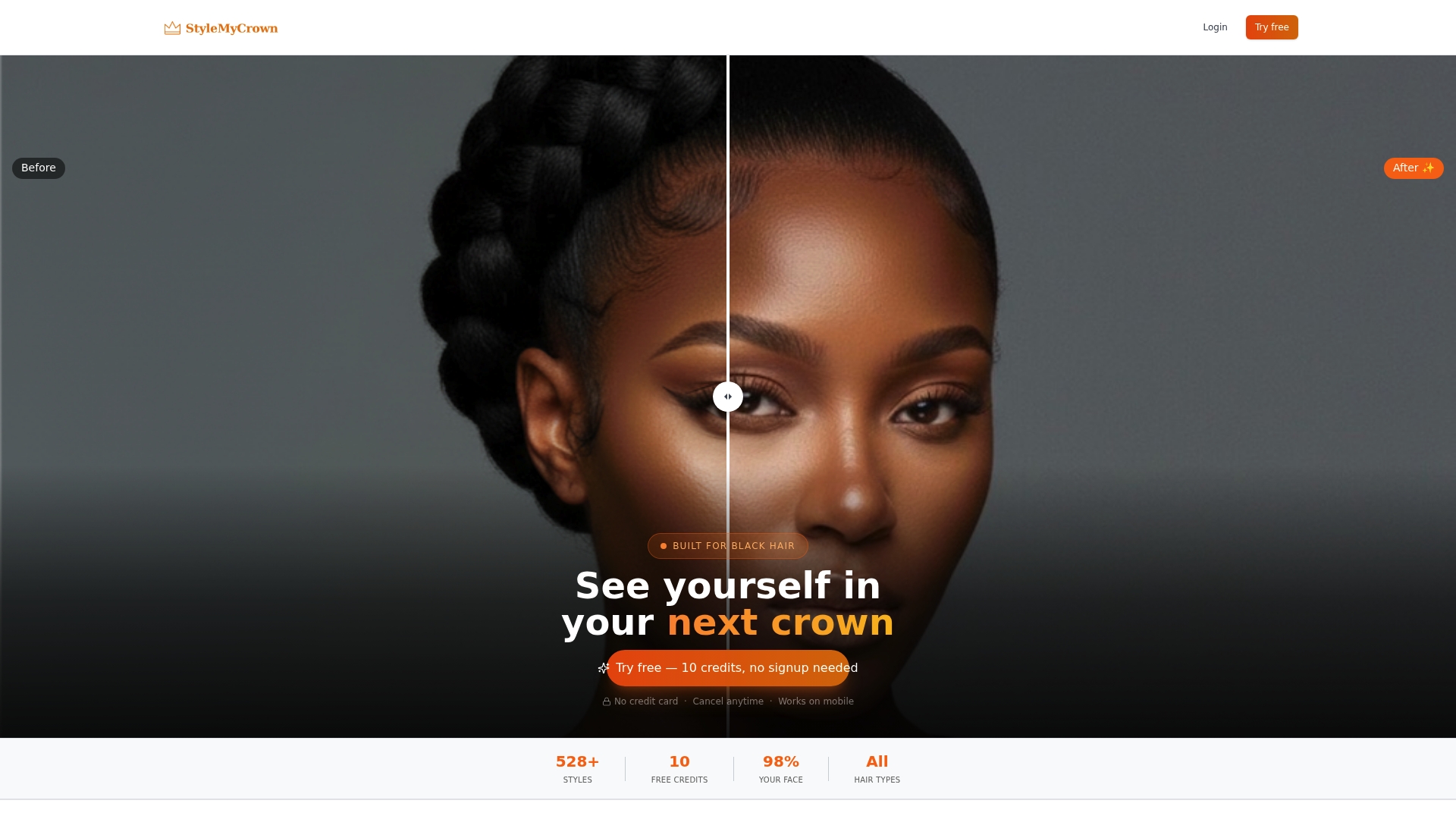
Start on the StyleMyCrown home page or see every plan on the pricing page. If you want a little more play along the way, there is also Crown Quest, our hair journey experience.
Our perspective
I started this because I was tired of being an afterthought.
Every time I wanted to see a new style, I had to imagine it. I would hold up a photo of someone with a different texture and a different hairline and hope. Sometimes I hoped my way into a four-hour appointment I did not love.
That is the gap we set out to close. Black hair is not one look. It is 4A, 4B and 4C, it is locs and braids, tapers and twist-outs, a silk press on Sunday and a wash day on Monday. A try-on that treats all of that as one “curly” setting is not built for us.
So we curated over 528 styles for diverse textures and types, and we made the first step free with 2 complimentary credits. You should be able to try on a new version of yourself without risk, without pressure and without handing over your face to something that keeps it.
Our approach is that face data is processed securely and never retained or used for AI training. That is not a bonus feature to us. It is the point. Your crown, your story, your dignity.
If you have been waiting to see yourself in a new style, this is your sign. What would you try first?
Christelle
FAQ
What is the best app to try on coily or type 4 hairstyles?
The best choice is one with a catalog built for coily textures, not a general app with a curly option. StyleMyCrown offers over 528 styles curated for diverse textures and types, and you can start with 2 complimentary credits. Browse the Style Catalog to see what is inside.
Can I try afro and kinky hairstyles on my own photo?
Yes. You upload a photo and the app shows the style on your own face using augmented reality. For best results, use a clear, well-lit selfie with your head level, and try a front angle before a side angle.
Are hairstyle try-on apps safe for my photos?
Policies differ. A 2023 study of 138 websites and 28 Android apps found that many send images to servers, and some store them. At StyleMyCrown, face data is processed securely and is never retained or used for AI training. Whatever app you use, read its photo policy first.
Do I have to pay to use a hairstyle try-on?
Not to begin. StyleMyCrown gives you 2 complimentary credits and a 1 Week Trial at $0 per week. After that, the 4 Week Plan is $38.73 per 4 weeks, and you can manage your plan from the subscription page.
Can stylists use a try-on to speed up consultations?
Yes. A shared catalog lets the client and stylist agree on a look before the appointment starts. The Stylist Catalog is designed for that purpose.


