Best Curtain Bangs Apps for Black and Textured Hair

If you have Black or textured hair, the best curtain bangs app is the one that shows your real texture, your real hairline and your real density, not a smoothed copy of someone else’s. We built StyleMyCrown for exactly that, and it is where we would start. Below, we compare the apps people actually use, what each does well, and how to read a preview before anyone picks up scissors.
I remember staring at a bangs filter once and thinking, that is not my hair. The fringe floated like a sticker. My curls were gone. If that has happened to you, this guide is for you.
TL;DR
- StyleMyCrown is built for Black and textured hair, with 528+ styles and a 1 Week Trial that costs $0.
- HairLook has a dedicated bangs editor. YouCam Makeup has a big free library with a live camera mirror.
- Many generative try-on tools struggle with textured hair and darker skin tones, so judge any preview by your own texture.
- A good photo (even light, eye level, hairline visible, no filters) improves every app’s result.
- A preview shows shape and proportion. It does not guarantee how your hair will behave after a cut.
Table of Contents
- Why bangs are the right thing to preview
- How AI handles Black hair, and why it matters here
- The apps compared
- What it costs on StyleMyCrown
- Curtain bangs on natural hair: what to expect
- How to take a photo that gives a real preview
- For stylists and shop owners
- Try curtain bangs on your own photo
- FAQ
- Sources
Why bangs are the right thing to preview
Bangs are the highest-regret, hardest-to-undo hair decision, and one 2026 comparison notes they are also the style these apps model best, because a fringe is shape against a forehead. That is why curtain bangs are such a popular first try-on.
Curtain bangs part in the middle and sweep to each side, framing the face. On straight hair, that is a simple shape. On curly, coily or kinky hair, it is a conversation about shrinkage, curl pattern and how much length you need to start with. A good preview helps you start that conversation.
How AI handles Black hair, and why it matters here
Not every app sees your hair the same way. A July 2026 IJERT study on Black hair in try-on models reports that generative models underrepresent Black hairstyles and darker-skinned faces in training. It documents repeatable failures, including identity drift, where the result starts to look like a lighter-skinned person.
The authors describe this as a well-characterized mechanism rather than a measured effect size, drawn from production data with small paired samples. So treat it as a reason to look closely, not as a verdict on any single app.
A second guide, from Addon Parts, explains the realism gap: simulators trained mostly on straight to slightly wavy hair can smooth out curly or afro texture and skew the projection.
What to look for in any preview:
- Your face still looks like your face.
- Your skin tone is unchanged.
- Your hairline and edges are intact.
- The fringe has volume and texture that match your curl pattern, not a flat, silky sheet.
The apps compared
| App | Best for | Free option | Texture focus |
|---|---|---|---|
| StyleMyCrown | Black and textured hair, curtain bangs and 528+ styles | 1 Week Trial at $0, 2 complimentary credits | Built for Black hair |
| HairLook | Deciding on bangs with a dedicated Bangs Editor | See the app | General |
| YouCam Makeup | Big free library, live camera mirror | 5 credits at registration, watermark on free exports | General |
| Fotor | Quick photo edits | Limited free credits, visible watermark | General |
| MyEdit | Daily tries | 3 credits per day | General |
| KBMSoft Hairstyle Try On | No subscription | 33 free styles, one-time packs | General |
Free-credit details for YouCam, MyEdit and Fotor come from Addon Parts’ August 2026 guide. HairLook, YouCam and KBMSoft details come from HairGracefully’s October 2026 comparison. Credits and plans change often, so check each app’s own page.
StyleMyCrown: our pick for textured hair
We made StyleMyCrown for Black hair first. The catalog holds more than 528 styles curated for different textures and types, and your photo is the canvas. You can try bangs next to braids, silk presses, twist-outs or a short natural cut, so you see the fringe in the context of your whole look.
Our positioning is simple: face data is processed securely and never retained or used for AI training. You start with two complimentary credits, no commitment.
It works for the people who tend to get left out of generic apps: men looking for a haircut preview, parents choosing a style for a child, and anyone in a big chop or transition who wants to see options before the next step. Browse the Style Catalog to see what is in there.

HairLook: the dedicated bangs editor
HairGracefully names HairLook the best app for a bangs decision because its Bangs Editor focuses on the fringe instead of regenerating your whole head. If you only want to test bang length and width, that focus is useful.
YouCam Makeup: the big free library
YouCam leads on free volume, with 250+ preset styles and a live camera mirror. Per Addon Parts, you get 5 credits at registration, each hairstyle costs 2 credits, and free exports carry a watermark.
Fotor and MyEdit: credit-based editors
Fotor gives limited free credits and watermarks free results. MyEdit gives 3 credits a day at 1 credit per try, which suits casual daily experimenting.
KBMSoft Hairstyle Try On
It offers 33 free styles, with one-time packs and no subscription, so it fits someone who wants a small, low-cost set.
BarberGPT: for short men’s cuts
BarberGPT is trained on men’s hair and, per FirmCritics, does well with buzz cuts, fades and crew cuts, but struggles with long styles, curly textures and braids. It is not a curtain bangs tool.
What it costs on StyleMyCrown
The 1 Week Trial is $0 per week. The 4 Week Plan is $38.73 per 4 weeks. A 12 Week Plan is also offered. Full details are on the pricing page.
Curtain bangs on natural hair: what to expect
Curtain bangs on natural hair usually look softer and fuller than the filter suggests, because curls spring up and shorten. Addon Parts notes that wavy hair is rendered fairly consistently in simulators, while very textured hair can come out with distorted volume and density.
So use the preview for placement: where the part sits, where the shortest piece lands against your brows and cheekbones, and how the shape frames your face. Then bring the picture to your stylist and talk about your curl pattern. If you are unsure of your pattern, this guide to Black hair curl types helps you name it.
A stylist can tell you about shrinkage, cowlicks and how your hair grows. That is real information a picture cannot hold. Vtry.ai’s guide says the same: generative images give even density and cooperative movement, while real hair has cowlicks, porosity, shrinkage and uneven growth.

How to take a photo that gives a real preview
The same guide recommends a plain, well-lit, eye-level, near-frontal selfie with the hairline visible and filters off. Before you upload:
- Face a window so the light is even.
- Hold the phone at eye level and look straight ahead.
- Keep a neutral expression.
- Pull your front hair back without flattening the hairline.
- Use a sharp, unfiltered image from your regular phone camera.
- Try two or three photos and compare.
With StyleMyCrown, that is all you need before you start the onboarding.
For stylists and shop owners
If you are a stylist, our Stylist Catalog is a digital catalog you can use to shorten the consultation. A client points to a style, sees it on her own photo, and you both start from the same picture.
Our point of view
Curtain bangs look easy until your hair is the one being cut. Texture changes everything: how the fringe sits, how high it springs, how it blends with the rest of your style.
That is why we built a catalog around Black and textured hair instead of adding it as an afterthought. When you see a style on your own photo, with 528+ options to compare, you can walk into the chair with a clear picture and a clear question.
A preview will not replace your stylist’s hands. It gives you both the same starting point.
Christelle
Try curtain bangs on your own photo
Start with the 1 Week Trial at $0 and your two complimentary credits, and see curtain bangs on your own texture before you book the appointment.
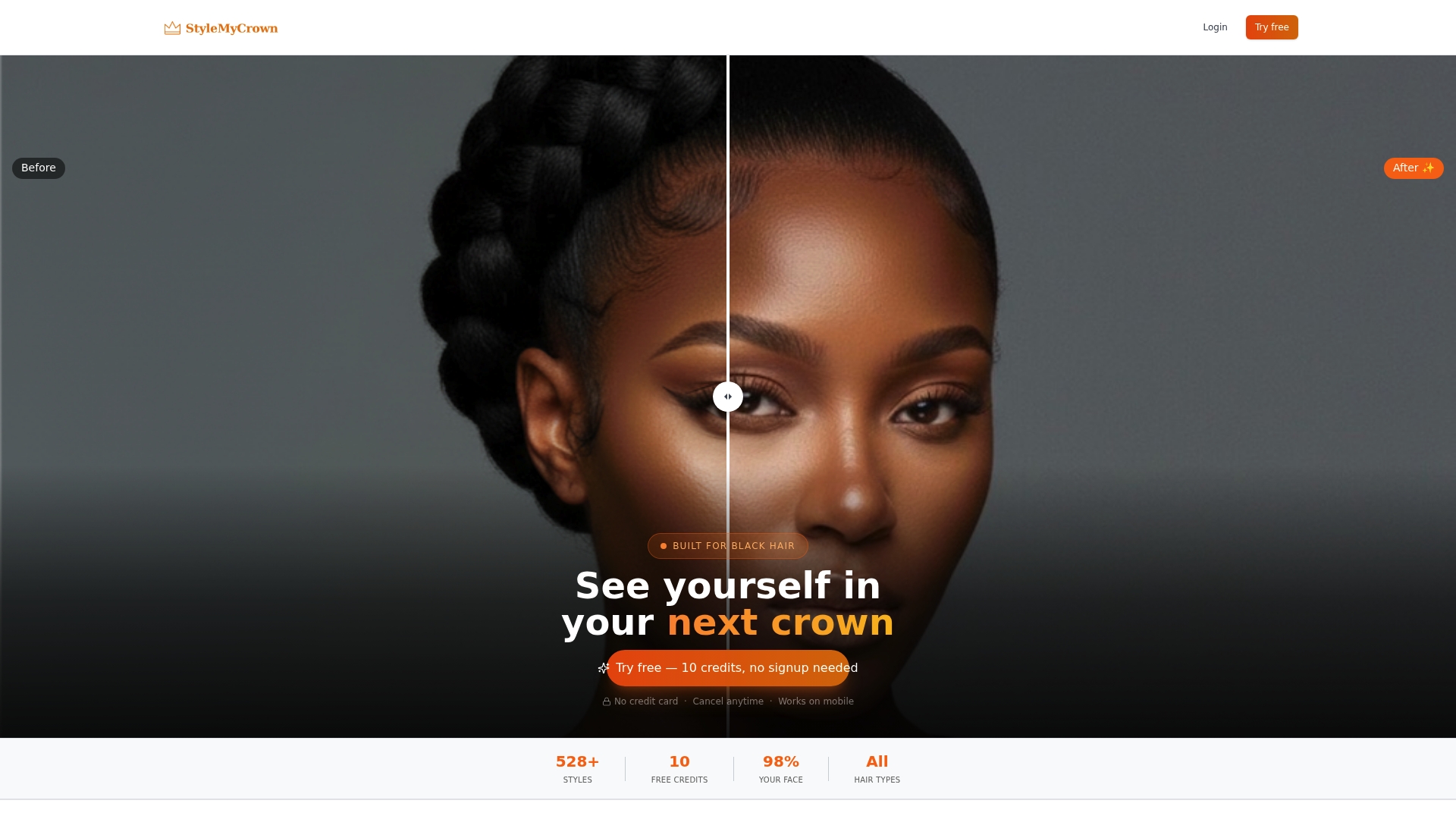
You can begin on StyleMyCrown or see the plans.
FAQ
Is there a free app that shows how I look with bangs?
Yes. YouCam gives 5 credits at registration, MyEdit gives 3 credits a day, and KBMSoft offers 33 free styles. On StyleMyCrown, the 1 Week Trial is $0 and includes 2 complimentary credits.
Is there a bangs filter on Instagram?
Instagram has effect filters from creators that add fringe in the camera. They tend to be flat overlays, so a try-on tool that edits your own photo gives a more useful look at texture.
How do I know if curtain bangs will suit my face?
Upload a clear, front-facing photo and compare two or three lengths. Look at how the shortest piece meets your brows and cheekbones. Then show your stylist the result and talk through your curl pattern.
Do curtain bangs work on Black hair?
Yes, on many textures. Curl pattern, density and how much your hair shrinks decide the length and shape. Preview first, then ask your stylist how to cut for your texture.
Sources
- Best Hairstyle Try-On Apps (2026), HairGracefully
- Virtual Try on Bangs: A Step-by-Step How-To, Vtry.ai
- Why AI Gets Black Hair Wrong, IJERT
- Stunning Before-After Hair, Addon Parts
- BarberGPT AI Review 2026, FirmCritics


