5-Question Privacy Checklist for Hairstyle Apps for Black Hair Users

5-Question Privacy Checklist for Hairstyle Apps for Black Hair Users
Hairstyle apps can be safe, but only under specific conditions you can actually verify. Before uploading your photo, confirm the app states a narrow purpose for your image, a defined retention window, a clear list of who receives your data, explicit language about model training, and a working deletion path. If any of those five checks come back vague or missing, treat that as your answer, much like how selecting the right Auto Eyebrow Pencil requires careful consideration of product details.
TL;DR:
Ensure the app specifies a clear purpose, a limited retention period, and named third-party vendors before uploading your photo.
Verify that the privacy policy explicitly states no use of your image for AI training unless you give explicit consent.
Confirm the app uses HTTPS for data transfer, encrypts stored images, and requests limited photo access rather than full gallery permissions.
Take a screenshot of the upload consent screen before allowing access to have proof of what you agreed to, especially if policies change later.
Prioritize apps with short retention windows and transparent model-training practices, and delete your data immediately after use.
Table of Contents
-
How to Verify Privacy Claims Instead of Trusting Marketing Copy
-
Practical Steps to Protect Yourself Before, During, and After
-
How a Specialist in Black Hair AR Approaches This Differently
-
Try StyleMyCrown’s AR Catalog With Two Complimentary Credits
Is Using Hairstyle Apps Safe? The Five-Question Checklist
Most privacy failures with hairstyle apps trace back to one of five gaps. Run through these before you hand over your face.
-
Why does the app need my photo? A legitimate hairstyle app collects your image to render a style preview, nothing more. If the policy talks about “improving services” or “personalization” in vague terms, that is a purpose broad enough to justify almost anything.
-
Where is my photo stored, and for how long? Look for a specific retention period indicated, not vague language like “as long as necessary.”
-
Who gets access to it? Third-party processors, cloud hosts, and AI model vendors should be named, not folded into “trusted partners.”
-
Is my image used to train AI models? This is the one most apps bury. If the policy does not clearly say no, or does not give you an opt-out, assume yes.
-
Can I delete it, and how? A real deletion path involves an in-app setting or a support email that produces a confirmation, not a policy that shrugs at the question.
Red flags tend to repeat across apps: language that reserves the right to use your photo “for any purpose permitted by law,” retention periods described as indefinite or tied to “business needs,” and upload screens that request full photo-library access instead of a single image. You can usually surface the answers to these five questions inside two minutes by checking the app-store data safety label, searching the privacy policy for the word “retention,” and reading the exact wording on the upload consent screen before you tap accept.
How to Verify Privacy Claims Instead of Trusting Marketing Copy
App-store descriptions and privacy policies do not always agree, and the gap between them is where most hairstyle app safety risks hide.
-
Step 1: Check the store label. Both the Apple App Store’s privacy label and the Google Play Data safety section list declared data types and whether the developer says data can be deleted. Some listings openly state that certain data cannot be deleted, which is worth noticing before you download anything.
-
Step 2: Read the actual privacy policy. Search for “retention,” “third party,” and “train” or “training.” One vendor example, Hairstyle AI’s privacy policy, spells out that it strips EXIF data, transmits over HTTPS, uses Replicate as a processing vendor, and deletes server copies within a short retention window. That is the level of specificity you want to see, not a paragraph away.
-
Step 3: Test the upload flow. Watch for what permission the app actually requests. A one-time photo picker is a better sign than a request for full gallery access, and a visible consent checkbox at the point of upload beats a policy link buried in settings.
When the store label, the policy, and the upload screen tell three different stories, that mismatch itself is the warning. Consumer privacy write-ups on salon and beauty app red flags point to this exact inconsistency as the most practical signal an everyday user can catch without a law degree.
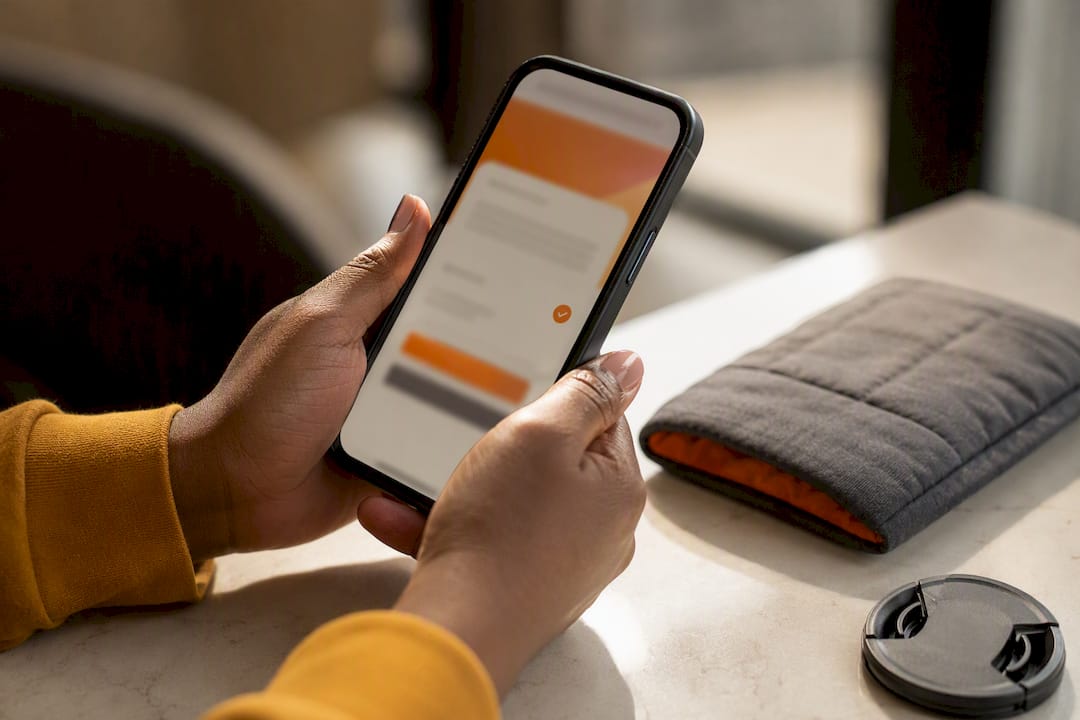
Pro Tip: Screenshot the upload consent screen before you tap “allow.” Policies get updated quietly, but your screenshot is proof of what you actually agreed to.
What Encryption and Permissions Actually Tell You
Two technical details separate a reasonably secure hairstyle app from a careless one, and both are checkable without any technical background.
-
HTTPS in transit. Your photo should travel over an encrypted connection the entire way from your phone to the server. You can often confirm this by checking that the app’s web-based upload page, if it has one, shows a locked padlock in the browser bar.
-
Encryption at rest. Once your photo lands on a server, it should stay encrypted while stored. Vendor policies that mention “secure cloud storage” without naming the provider or the encryption standard are giving you a claim, not a proof.
-
Selective photo access over full gallery access. iOS and Android both let you grant one-time or limited photo access instead of handing over your entire camera roll. On iOS, choose “Select Photos” instead of “All Photos” when the permission prompt appears. On Android, pick the equivalent limited-access option in the permission dialog.
-
EXIF stripping. Every photo you take carries metadata, including GPS coordinates and device information, embedded in the file. Apps that explicitly state they strip EXIF data before processing are showing you they thought about this. The Hairstyle AI privacy policy names this practice directly, alongside its 48 hour deletion window, as one concrete example of what responsible handling looks like on paper.
One overlooked risk: even a short stated retention window does not always cover backups. A server might delete your photo in 48 hours, but a backup snapshot or a third-party model host’s own cache could retain a copy longer, which is why vendor disclosure matters as much as the headline retention number.
Does the App Train AI Models on Your Face?
This is the distinction that separates a quick preview from something closer to permanent data collection: processing your photo once to render a hairstyle is different from adding your photo to a training dataset that shapes the app’s AI for every future user.
-
One-time processing means your image gets analyzed, a style gets rendered, and the original is discarded or anonymized shortly after. That is the baseline you want.
-
Training-dataset inclusion means your face becomes part of the material an AI model learns from, potentially indefinitely, and often without an easy way to undo it.
-
Anonymization language worth looking for includes phrases like “landmarks only,” “no raw image retained,” or “biometric data discarded after render.” Some providers extract only placement points, like where your hairline sits, and never keep the underlying photo at all.
-
Named vendors matter. If the policy names a specific AI processing partner rather than saying “our trusted service providers,” that is a sign the company is willing to be specific about who touches your data.
-
Explicit opt-in, not opt-out, should govern anything beyond the immediate service. A checkbox you have to actively check for model training is a fair ask. A checkbox already ticked for you is not.
Under GDPR, biometric data used to identify a specific person can qualify as special-category data requiring extra protection, though the ICO’s guidance on special category data clarifies that not every selfie automatically counts. The GDPR’s own definitions draw that line around whether the data is processed specifically to identify you, which is worth knowing before you assume every hairstyle app upload triggers the strictest legal category.
Practical Steps to Protect Yourself Before, During, and After
Treat every hairstyle app upload like a three-stage process, not a single tap.
-
Before you upload: Read the store’s data safety summary and skim the privacy policy for retention language. If the app allows account creation, consider using an email you do not use for anything sensitive. Crop your photo to just your hair and face rather than uploading one that shows your home, your car’s license plate, or other people in the background.
-
During the upload: Choose one-time or limited photo access when your phone offers it instead of granting full gallery permission. Avoid sharing the generated result to social platforms directly through the app, and skip any prompt that asks you to link existing social accounts.
-
After you are done: Delete your generation history inside the app if that option exists, and send a data deletion request if it does not. Uninstall the app if you are finished with it, and double check your phone’s settings to confirm the permission was actually revoked, since some apps retain a permission grant even after removal.
Pro Tip: If an app offers a “guest” or “no account” mode, use it. Fewer accounts tied to your face means fewer places that data can leak from later.
How a Specialist in Black Hair AR Approaches This Differently
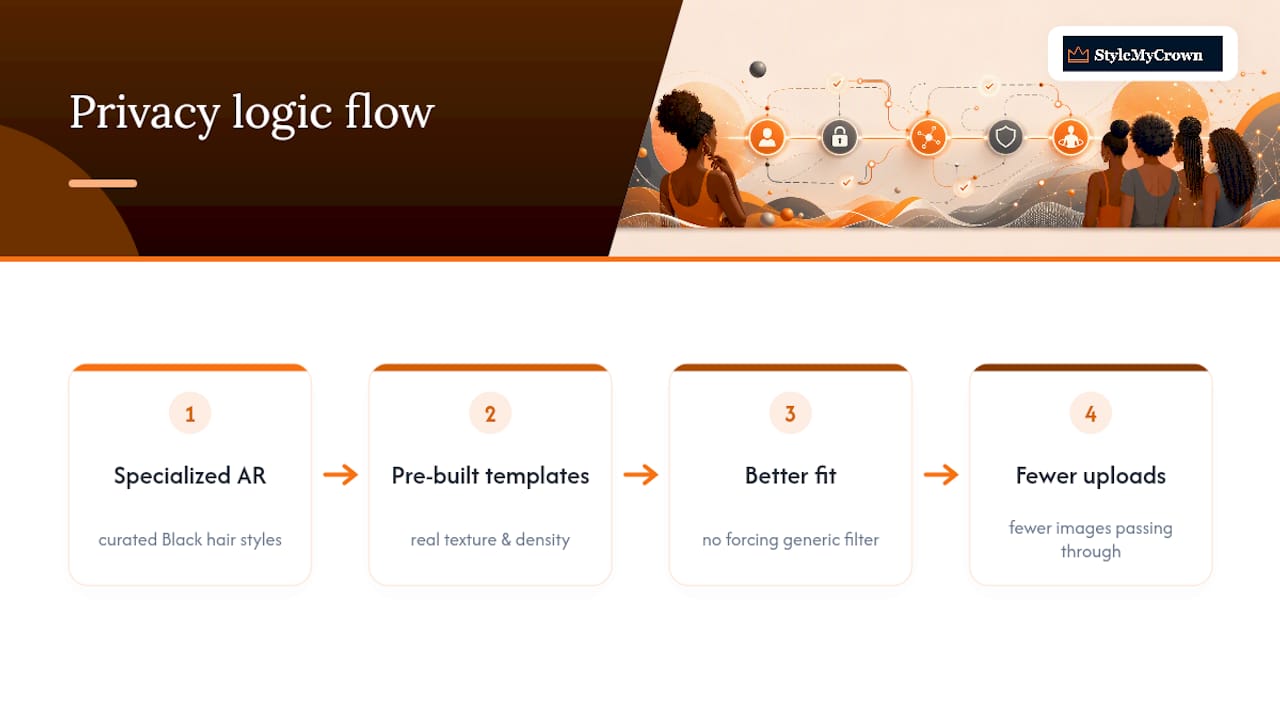
The virtual try-on is designed specifically for Black hair, offering a broad range of curated styles across different textures, rather than treating Black hair as an afterthought bolted onto a generic filter. That specialization changes the privacy equation in a practical way: because the AR templates are pre-built for real texture and density variation, you are not stuck re-uploading photo after photo trying to force a generic template to fit, which means fewer images passing through the system in the first place. New users typically start with complimentary credits to test the experience before committing to anything. If you want the specifics on retention and data handling rather than taking that claim on faith, the Privacy Policy and Terms of Service pages spell out exactly what governs your data.
What Privacy-Conscious Users Actually Prioritize
If you have to compromise somewhere, prioritize deletion controls and model-training language over almost everything else. A short retention window means little if there is no real way to confirm your data followed it, and vague AI training language is where most long-term exposure actually happens.
Convenience is worth a small trade-off only when the policy backs it up in writing. A slick interface tells you nothing about what happens to your photo after the render finishes. Read the policy text yourself before you decide an app’s marketing claims are close enough to the truth.
— Christelle
Try StyleMyCrown’s AR Catalog With Two Complimentary Credits
This platform gives you a way to test drive many hairstyles built specifically for Black hair textures, aiming to reduce guesswork about whether a generic filter will render your curl pattern or loc thickness correctly.
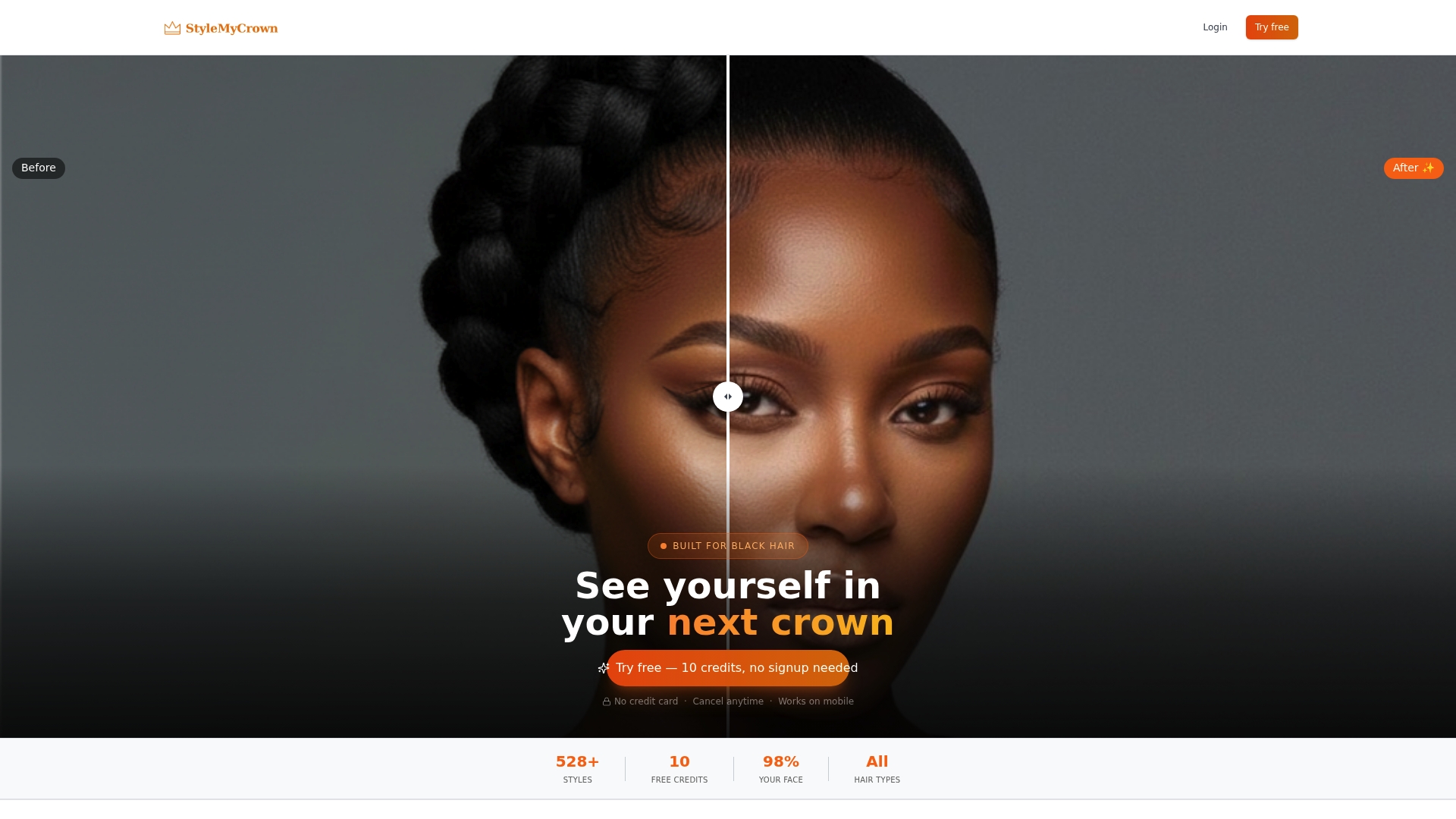
New accounts often start with complimentary credits, allowing you to preview some styles before deciding whether a subscription makes sense for you. For finding hairstylists who specialize in the styles you preview, the Stylist Catalog connects you with professionals who can bring the look to life. Compare Stylemycrown’s privacy policy against any other hairstyle app you are considering. Read the terms, check the retention language, and then browse the Style Catalog to see which of the 528 styles fits your face shape and hair type. If you want the full experience, start at Stylemycrown and claim your complimentary credits today.
Where to Verify the Rules Yourself
For regulatory grounding beyond any single app’s claims, the FTC’s guidance on biometric information covers consumer harms tied to facial data misuse. The ICO’s special category data guidance explains when biometric processing triggers extra legal protection under UK GDPR.
Sources
FAQ
Is there a safe app to try on hairstyles?
Safety depends on the individual app’s privacy policy, not the category as a whole. Check for a stated retention window, named third-party vendors, and a clear deletion option before uploading, and treat apps that skip these details as a risk regardless of how polished the interface looks.
Which is the best app for hairstyles?
The right app depends on your hair type and what you need from it. For Black hair specifically, some platforms offer a large catalog of styles curated for different textures, alongside a published privacy policy you can review before uploading anything.
How do I see my face with different hairstyles online for free?
Many hairstyle apps offer complimentary trial credits so you can preview styles without paying upfront. Confirm the app’s data safety label and privacy policy before uploading, since “free” does not always mean your photo is handled the same way across different providers.
What should I do with my hair app?
Read the privacy policy for retention and model-training language before your first upload, use one-time or limited photo access instead of full gallery permission, and delete your generation history or request account deletion once you are finished using it.


