Best Pixie Cut Apps: Preview a Short Cut on Black Hair

The best pixie cut app is the one that shows a short cut on your own face, with your own texture, before anyone picks up the clippers. For Black hair, that means choosing a tool built for textured hair first, and using general beauty apps as a second opinion.
I have sat in the chair holding a photo that looked nothing like my hair. The stylist nodded, I nodded, and we both hoped. A preview will not replace a consultation, but it gives you something real to point at.
Below, I compare the main ways to try a pixie cut on your own photo, explain where most apps struggle with Black hair, and show you how to take your preview to a stylist.
TL;DR
- StyleMyCrown is built for Black and textured hair, with a catalog of over 528 styles and 2 complimentary credits to try before you pay.
- YouCam Makeup is a popular general app with hairstyle try-on, and its premium tier is listed at $5.99 to $9.99 monthly.
- General apps and one-tap AI filters can misread darker skin tones and tight textures, so judge every result against your own features.
- Use a clear, evenly lit, front-facing photo, and save two or three previews to show your stylist.
- Check where your face photo goes and whether it is kept before you upload it anywhere.
Table of Contents
- How we compared these pixie cut apps
- Pixie cut apps compared
- StyleMyCrown: our pick for Black and textured hair
- YouCam Makeup: a general app with short hair filters
- HairLook and other AI tools
- Why Black hair trips up general apps
- How to get a better pixie preview
- Check privacy before you upload your face
- Take your preview to your stylist
- Try a pixie on your own crown
- FAQ
- Sources
How we compared these pixie cut apps
A pixie cut is a high-stakes preview. There is very little hair to hide behind, so small errors show up fast. I judged each option on five things:
- Texture honesty. Does the result look like your hair type, or like straight hair pasted on your head?
- Skin tone and face fidelity. Does it still look like you?
- Choice of short styles. Cropped, tapered, curly pixie, finger waves, shaped edges, and more.
- Cost and limits. What is free, and what happens when the free part runs out?
- Privacy. What happens to the photo of your face?
Pixie cut apps compared
| Option | Best for | Built for textured hair? | Cost to start | What to know |
|---|---|---|---|---|
| StyleMyCrown | Black and textured hair, including a big chop or a first short cut | Yes, that is its focus | 2 complimentary credits, then a paid plan | 4 Week Plan is $38.73 per 4 weeks |
| YouCam Makeup | A quick general preview, plus makeup and color | General audience | Free tier with ads | Premium listed at $5.99 to $9.99 monthly |
| HairLook | Bigger changes such as long hair to short | General audience | Paid | Reviewers often use it for color and length changes |
| One-tap AI pixie filters on the web | A fast look with no sign-up | General audience | Usually free to try | Single style, little control over texture |
| Short-haircut catalog apps | Collecting inspiration photos | Varies by catalog | Usually free | Inspiration only, not a preview on your face |
Prices for apps other than ours change by region and promotion, so confirm them in the App Store or Google Play before you subscribe.
StyleMyCrown: our pick for Black and textured hair
We built StyleMyCrown because the usual try-on apps were not made with us in mind. The catalog holds over 528 styles curated for different textures and types, and it reflects the Global Diaspora. That matters for a pixie cut, because a pixie on 4C coils is a different haircut from a pixie on loose waves. It has a different shape, a different edge, and a different way of sitting on the head.
Here is how it works for you:
- You upload a photo and use augmented reality to see styles on yourself.
- Your first 2 credits are complimentary, so you can try a short cut with no commitment.
- You can browse the Style Catalog to look for cropped and short styles before you spend a credit.
- Our approach to privacy is that face data is processed securely and never retained or used for AI training.
Plans after the trial: the 1 Week Trial is $0, and the 4 Week Plan is $38.73 per 4 weeks. You can see the current options on the pricing page.
It is also made for more than women. Black men weighing a taper or a cropped cut, parents choosing a style for a child, and people mid-transition all use the same catalog. If you are in the middle of growing out relaxed ends, our guide to transitioning hairstyles shows what comes before and after a cut.
YouCam Makeup: a general app with short hair filters
YouCam Makeup, made by Perfect Corp, is one of the best-known beauty apps. It began as a makeup try-on tool and now includes hairstyle try-on, with a set of short hair filters that includes pixie cuts and bobs. It is available on iOS and Android.
The free tier is ad-supported. For paid features, one paywall analysis lists Premium at $5.99 to $9.99 monthly and $31.99 to $39.99 yearly, with a 4.8 average across 142K ratings. That is a fair price for a general beauty app, and it is a good place to check how a short cut frames your face shape.

The tradeoff is focus. YouCam serves everyone, from lipstick shoppers to selfie editors, so its hair library is not organized around textured hair. If your hair is coily or kinky, use it as a face-shape check and use a texture-aware tool to judge the actual cut.
HairLook and other AI tools
HairLook gets recommended in app threads for larger transformations, like long hair to pixie. It is paid, and I would treat it the same way as other general tools: useful for length and shape, less certain on texture.
Then there are the web pages that promise a pixie preview from one upload with no sign-up. They are fast and fun. They usually offer one pixie style, and you cannot choose between a tapered curly crop and a sleek, side-parted one. If you just want to see whether short hair is for you at all, they do the job. If you are about to book a chop, you want options.
Inspiration apps that collect short haircut photos are helpful for building a reference folder. They show other people, though, not you.
Why Black hair trips up general apps
This is the part nobody warns you about. A 2026 peer-reviewed paper in IJERT, Why AI Gets Black Hair Wrong, documents five ways generative hairstyle try-on goes wrong on Black hair. Three are worth knowing before you upload a selfie:
- Identity drift. The tool swaps in a different, often lighter-skinned person instead of editing you.
- Timid edits. You ask for a short cut and get a barely changed version of your current hair.
- Capture-condition failures. Backlit or low-contrast photos of darker-skinned subjects can confuse face segmentation, so the hair and face are misread.
The authors argue that correct results have to be enforced in how the system is built, with masked editing and layered checks, rather than left to chance. That is a design standard, not a promise any app can make for every photo, and it is why I would ask the same questions of every tool.
When you see your preview, check:
- Is the face still yours, including skin tone, jawline, and features?
- Does the hairline look like your hairline, or a smooth generic one?
- Does the texture match the hair type you actually have?
- If the result looks almost identical to your photo, try a different style or a better photo.
If your hair is protected under braids or a wig right now, a short preview can still help. Our guide to protective hairstyles for Black hair covers what to do between cuts.
What we believe about the pixie
A pixie is the first haircut where many of us really meet our own face. There is nowhere to hide, and nothing to tuck behind your ears.
I have seen people stand at the edge of a big chop for months. They are not afraid of the scissors. They are afraid of not recognizing themselves after.
That is why we built StyleMyCrown around Black and textured hair. A preview should respect your coils, your hairline, and your skin tone, not quietly replace them. With over 528 styles and 2 complimentary credits, you can try a short look, sit with it for a day, and decide with a calm head.
Your privacy matters just as much. Our approach is that face data is processed securely, and it is never retained or used for AI training.
Hair is identity. You should get to preview it on your terms.
Christelle
How to get a better pixie preview
The photo you upload decides most of the result. These steps work in any app:
- Face a window. Soft daylight in front of you beats a lamp above or a window behind you. Backlit photos are where darker skin tones get misread.
- Look straight ahead. Keep your chin level and your face centered.
- Pull hair back or flatten it. If your current hair is big, a pixie can end up layered on top of it. A clean hairline gives the tool less to guess.
- Skip hats, heavy filters, and dark backgrounds. Plain, mid-tone backgrounds help.
- Try three variations. For example, a tapered cut, a rounded crop, and a longer top with a sharp edge.
- Save your favorites. Screenshot the ones you love, and the one you do not, which is just as useful.
A pixie cut is also a color and edge decision. Look at where the cut ends near your temples and nape. Those shaped lines are what make a short cut feel intentional.
Check privacy before you upload your face
A hairstyle photo is a photo of your face. Before you use any app, check four things:
- Retention. Does the app say whether it keeps your photo, and for how long?
- Training. Does it say your images are not used to train AI models?
- Account. Do you need to sign up, and which permissions does it ask for (camera, photo library)?
- Device. Does it run in a browser, or does it need a recent phone?
For StyleMyCrown, our position is that face data is processed securely and never retained or used for AI training. Read any app’s own privacy page for its policy, and think twice about tools that give no policy at all.
Take your preview to your stylist
A preview is a conversation starter. It tells your stylist what you want to see, and it gives them a place to say what will and will not work with your texture and growth pattern.
Bring:
- Two or three previews of the cut you like, plus one you do not.
- A current photo of your hair, so the stylist can see where you are starting.
- Your daily routine. Do you wear a wrap at night? How often will you come back for a shape-up?
Then ask three questions. How short can we go with my curl pattern? How will it shrink or spring back once it dries? How often will it need trimming?
If you work in the industry, our Stylist Catalog is a digital catalog you can use to shorten consultations.
Some people want to try the look in real life first. A short wig can be a low-pressure way to wear a pixie for a weekend, and this guide to human hair wigs and a natural finish explains what to look for in shade and fit. For a closer-to-home look at wig styling, see our post on glueless wig styles.

After the cut, short curls still need care. A routine like the one in this wash-day guide for styling curls with a brush helps your new shape keep its definition.
Try a pixie on your own crown
If you are standing at the edge of a big chop, or you simply want to see what a short cut does for your face, start with the one built for your hair. StyleMyCrown gives you 2 complimentary credits to try styles on your own photo, so you can look first and decide later.
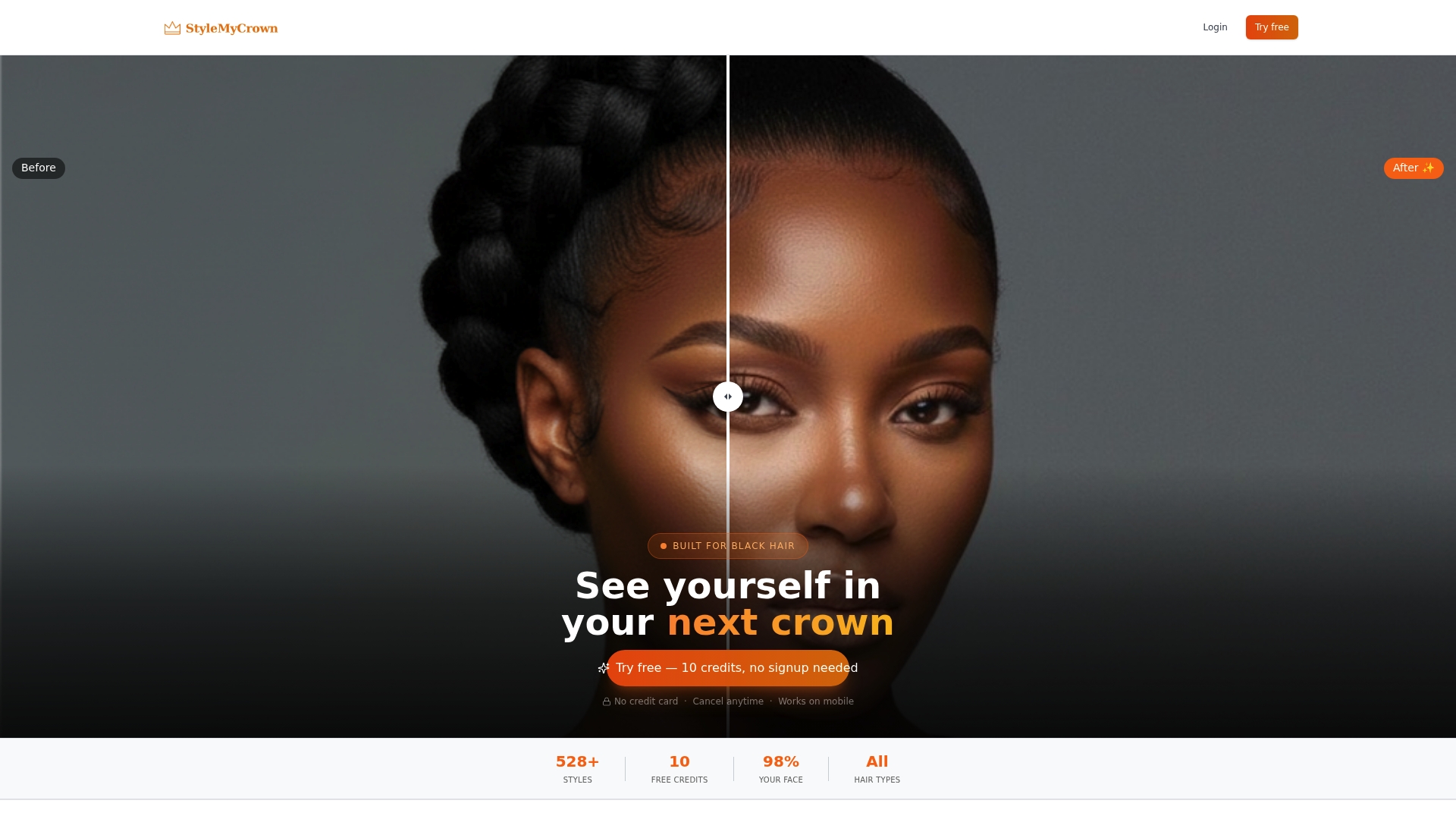
The 4 Week Plan is $38.73 per 4 weeks if you want to keep exploring after your credits. Start on StyleMyCrown or compare the options on the pricing page. Not ready for short? Explore the Style Catalog for other looks, from natural updos to styles for 4B hair.
FAQ
What is the best app to see a pixie cut on me?
For Black or textured hair, start with StyleMyCrown, since its catalog of over 528 styles is curated for different textures and types. YouCam Makeup is a good general second opinion for face shape. Compare at least two previews before you decide.
Are pixie cut try-on apps accurate?
They are a guide, not a guarantee. Research on AI hairstyle try-on documents problems on Black hair, such as identity drift and misread photos of darker-skinned subjects. A well-lit, front-facing photo reduces those errors, and your stylist has the final say on what your curl pattern allows.
Is there a free pixie cut try-on?
Yes. Many general apps have a free tier, and YouCam Makeup is ad-supported on the free plan. StyleMyCrown gives you 2 complimentary credits and a $0 1 Week Trial, so you can try a look before paying for a plan.
Can I try a pixie cut on natural hair or during a big chop?
Yes, and it is one of the best uses for a preview. Choose a tool with textured styles, upload a clear photo with your hair pulled back, and compare a few lengths. Bring those images to your stylist so you can talk through your growth pattern together.
Is it safe to upload my face photo?
Read the app’s privacy policy first and look for statements on retention and AI training. With StyleMyCrown, face data is processed securely and never retained or used for AI training.
Sources
- Why AI Gets Black Hair Wrong: Documented Failure Modes and Architectural Fixes (IJERT, 2026)
- YouCam Makeup mobile paywall (Adapty, 2026)
- Human hair wigs for a natural finish (DVH Extensions)
- Brush styling curls wash-day guide (Purple Mango Beauty)


