Natural Hair Try-On Apps: What Works for Black Hair

The best natural hair try-on app is one built around your texture, with a catalog that includes braids, twists, locs, silk presses and tapered cuts as real styles, not one “curly” preset. StyleMyCrown is built that way. It offers 528+ styles for Black and textured hair, and you start with 2 complimentary credits.
I remember sitting in the chair, hours before the stylist even turned me around, wondering whether the look in my head would work on my face. Most hairstyle apps were never built for that moment. This guide compares the main kinds of apps, tells you what to check before you upload a photo, and shows where each fits.
TL;DR
- General hairstyle apps tend to lead with straight and wavy styles. For coils, locs, braids and twists, look for a catalog made for textured hair.
- StyleMyCrown offers 528+ styles curated for Black hair and gives you 2 complimentary credits to try before you pay.
- Your photo matters as much as the app: even light, a clear hairline and a straight-on angle give cleaner previews.
- Treat a preview as a conversation starter for your stylist, especially for protective styles and anything that takes hours.
- Before you upload, read how an app handles face photos. Parents and stylists should check this first.
Table of Contents
- The kinds of natural hair try-on apps you will find
- How natural hair try-on apps work
- What to look for before you pick one
- Comparing your options side by side
- Get a cleaner preview: photo tips that matter
- How realistic is a preview, honestly?
- Special situations
- Perspective
- Try it on your own photo
- FAQ
- Sources
The kinds of natural hair try-on apps you will find
Search for a hairstyle app and you will see the same names again and again. Most fall into four groups. Knowing the group tells you more than any star rating.
| Type | What it does | Where it tends to fall short for natural hair |
|---|---|---|
| Beauty-editing apps with a hair feature (YouCam Makeup, FaceApp, Facetune) | Live camera or photo filters, plus makeup and retouching | Hair is one tool among many, so textured styles are often a small slice |
| Generic AI hairstyle changers (HairHunt, HairLook, Glowify, Canva’s tool) | Upload a selfie, pick a cut or color, get a generated image | Built for any hair, so coily styles and protective styles may be thin |
| Retail color tools (the ULTA Beauty app, Modiface-style tools) | Strong on hair color and shade matching | Built around color, not around braids, twists or locs |
| Black hair specialists (StyleMyCrown) | A catalog and model tuned to Black and textured hair | Narrower by design: it is about textured hair, not every look in the world |
That last row is why we exist. A tool that treats a knotless braid, a twist-out and a high-top fade as separate, well-made styles is different from one that lays a generic “curly” overlay over a photo.
If you want a wider survey of how beauty apps in general approach personalization, this hair care apps comparison is a good place to see how the category is organized.
How natural hair try-on apps work
There are two main methods, and they behave differently.
Augmented reality overlays. The app tracks your face through the camera and places a style on your head in real time. You can turn your head and watch it move. It is fast and fun. Overlays can look flat, because the hair does not interact with your hairline or the shape of your head the way real hair does.
Generative previews. You upload a photo. The app produces a new image of you in the chosen style. These can look much more realistic, and they are where texture matters most. The model has to understand curl pattern, shrinkage, edges, parting and volume, and it has to keep your face your own.

StyleMyCrown previews styles on your photo using augmented reality. You browse the style catalog, pick a look and see it on yourself.
What to look for before you pick one
I keep a short checklist for friends who ask. It works whether you are choosing us or anyone else.
1. Does the catalog include your texture and your style?
Open the catalog before you sign up if you can. Look for the styles you actually wear or want: cornrows, box braids, twist-outs, wash and go, silk press, locs, tapers, a TWA. If the catalog only offers “curly” and “afro,” it was probably not built with you in mind.
StyleMyCrown’s catalog covers 528+ styles curated for different hair textures and types. If you are in the middle of a transition, our guide to transitioning hairstyles pairs well with a try-on session, and so does our guide to protective hairstyles for Black hair.
2. Does it keep your face your face?
This is the one nobody talks about enough. Researchers who study generative hair editing report that the training data behind many models underrepresents Black hairstyles and darker-skinned faces. They also document identity-transfer failures, where the person in the result can come back looking like someone else, often lighter-skinned.
You deserve a preview where you still look like you. When you test any app, upload a clear photo and check three things in the result: your skin tone, your facial features and your hairline.
3. Can you try color as well as style?
Some people want a honey blonde or a deep burgundy on top of the braids. Retail tools and beauty-editing apps are strong on color. If your question is about a shade, one of those is a reasonable second stop. If your question is “will these goddess locs suit me?”, start with a texture-specific catalog.
4. What happens to your photo?
Your face is personal data. Look in the app’s privacy section for how long photos are kept and whether they are used to train AI. Our position is that face data is processed securely and never retained or used for AI training. Ask the same of every app you try.
5. What does it cost after the free part?
Most hairstyle apps are freemium: a taste for free, then a subscription or credit packs. Read the plan before you tap the button. Ours is simple. The 1 Week Trial is $0, and the 4 Week Plan is $38.73 per 4 weeks. There is also a 12 Week Plan, and you can see all of it on the pricing page.
Comparing your options side by side
Here is how I would sort the choices by what you are trying to do.
| If you want to… | Start with | Why |
|---|---|---|
| Preview braids, twists, locs, silk presses or tapers on your own photo | StyleMyCrown | Catalog curated for Black and textured hair, 528+ styles |
| Scroll a huge library of mixed styles and filters for fun | A beauty-editing app like YouCam Makeup or FaceApp | Broad tools and quick results |
| Test a hair color before you book | A retail color tool such as the ULTA Beauty app | Built around shade matching |
| Make a quick one-off edit with no commitment | A general AI hairstyle changer | Fast, simple upload and generate |
| Show a client or customer options in a consultation | StyleMyCrown’s Stylist Catalog | Made to cut consultation time |
I am biased, and I will say so plainly. But if your hair is Black or textured, the first column of that table is the question to answer. Everything else is an extra.
Get a cleaner preview: photo tips that matter
A great app cannot fix a poor photo. These habits make every try-on better.
- Face a window. Soft, even daylight beats a ceiling bulb. Harsh shadows confuse any tool.
- Pull your hair back or off your face for the base photo, so the app can see your hairline and ears.
- Look straight at the camera, with your head level and your shoulders square.
- Skip filters and heavy retouching. The app should see your real skin tone and your real features.
- Take two or three shots and compare the results.
Lighting is the thing people underestimate. This piece on virtual try-on lighting explains why accurate color and tone start with the light in your photo, and it applies to hair as much as clothes.
How realistic is a preview, honestly?
A good preview tells you whether a silhouette, length, density and parting suit your face shape. It helps you rule styles out quickly, and it gives you a picture to bring to your stylist.
The research behind our own product is candid about why this is hard. In their paper, StyleMyCrown’s developers document how generative models fail on Black hair. They describe a masked-inpainting approach and layered validation gates, so the system can refuse a generation rather than hand you a bad one. The authors argue that for identity-critical, culturally specific work, correctness has to be built into the system’s architecture, not requested in a prompt.
What does that mean for you? Choose a tool whose makers have thought hard about your hair. Then use the preview as the first step, with a stylist as the second. A stylist knows your density, your porosity and how your curl pattern will actually hold a style, and no photo shows that.
Special situations
If you are on a natural hair journey or after a big chop
This is the moment I wish I had had this tool. A short cut is exciting and scary at once. Trying a TWA, a tapered cut or a shaped fade on your own photo first lets you walk in with a plan. If you are growing out, our guide to natural updo hairstyles and the short pixie cuts guide give you shapes to try along the way.
If you are trying styles for a child
Parents ask us about this a lot. A preview lets a child see a style before sitting through hours of braiding, which can make the day calmer for both of you. Because a child’s face is involved, read any app’s privacy terms first. At StyleMyCrown, face data is processed securely and not retained or used for AI training.

If you are a Black man looking for a cut
Haircut previews are not only for women. Tapers, waves, twists, locs and designs are part of the catalog, so you can see the line-up or the fade height you have in mind before you reach the barber’s chair.
If you are a stylist or shop owner
A digital catalog shortens the consultation. The client points, you both see the same picture, and the conversation moves to the details: parting, size, hair length, timing. Our Stylist Catalog is made for that use, and the Pro Onboarding page is where professionals get started.
If you are choosing a style for a big day
Weddings, graduations, interviews and photo shoots all carry pressure. Our guides to Black bridal hairstyles and silk press styles are good companions, and so is a try-on session a few weeks before the date, so you have time to book the right stylist.
Perspective
I started building StyleMyCrown because I was tired of the same experience. I would open a hairstyle app, upload my photo, and watch it hand me back a stranger. The texture was wrong. The edges were wrong. Sometimes the face was wrong.
Black hair is not one look. It is a language: braids, twists, locs, silk presses, tapers, wigs, updos. Each carries history and each takes real time, money and trust. Choosing one should not feel like a gamble.
That is why we focus only on Black and textured hair, and why the catalog reflects the global diaspora. Our system keeps your face yours, and we do not retain your face data or use it to train AI. You should be able to explore your look with dignity.
The two complimentary credits are there for a reason. Try a few styles. Show your sister. Show your stylist. See how you feel when you look at yourself.
Which style have you been quietly thinking about for months?
Christelle
Try it on your own photo
If you have been saving styles in a folder on your phone, this is the easy next step. StyleMyCrown lets you preview 528+ styles curated for Black and textured hair on your own photo. You get 2 complimentary credits to start, with no commitment.
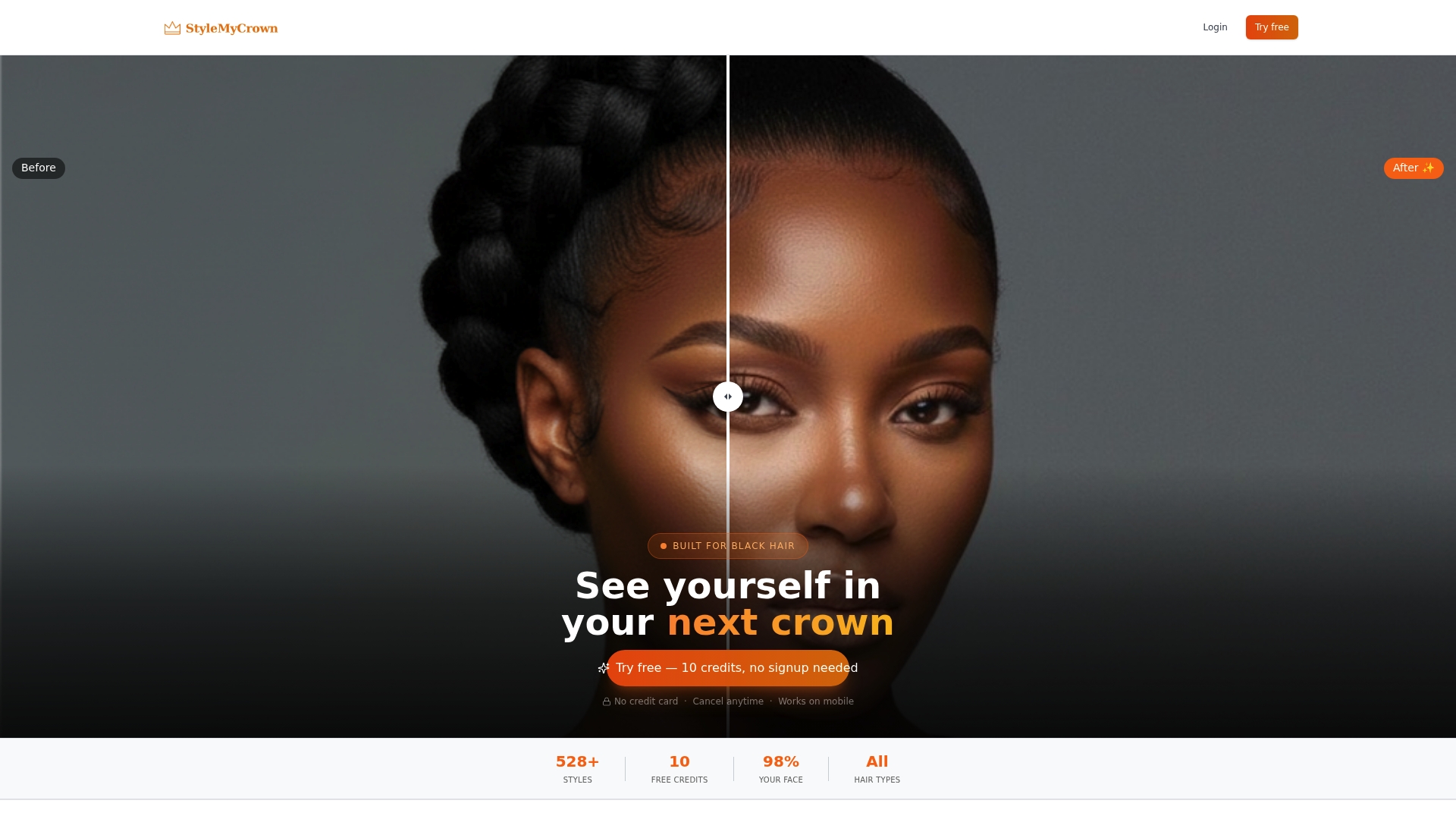
When you are ready for more, the 4 Week Plan is $38.73 per 4 weeks. Start with your free credits and see what suits you. You can also play with Crown Quest, our hair journey experience, if you want a lighter way in.
FAQ
Is there a free app that lets me try natural hairstyles?
Yes. Many apps offer a free taste before asking you to subscribe. StyleMyCrown gives you 2 complimentary credits and a 1 Week Trial at $0, so you can preview styles made for Black hair before you pay anything.
Can I virtually try on braids, locs and twists?
Yes, if the app’s catalog includes them as real styles. Check the catalog first. StyleMyCrown includes 528+ styles curated for different Black hair textures and types, including protective styles, so you can see them on your own photo.
Can I preview a haircut before I get it?
Yes. Upload a clear, front-facing photo in even light and try the cut on it. Then screenshot the result and bring it to your barber or stylist, who can adjust it for your density, curl pattern and hairline.
What should I check before uploading my photo?
Read the privacy terms. Look for how long the photo is kept and whether it is used to train AI. At StyleMyCrown, face data is processed securely and is never retained or used for AI training.
Can I use an app to try styles for my child?
Yes, many parents do. Use a clear photo, preview a few options together and let your child choose. Check privacy terms first, and keep in mind that the styling session itself still depends on your stylist’s skill and your child’s hair.
Sources
- Why AI Gets Black Hair Wrong: Documented Failure Modes and Architectural Fixes in a Production Try-On System
- Why AI Gets Black Hair Wrong (full paper, PDF)
- Hair Care Apps Comparison
- Virtual Try-On Lighting: How to Get Accurate Results


